|
Deleting / Cancelling Shifts |
  
|
|
Deleting / Cancelling Shifts |
|
To delete a shift you can right click and select Delete from the popup menu; or select a shift and click the Delete button on the toolbar. However, if the Status of the shift is Provisional or Booked then it cannot be deleted and you will be prompted to Cancel the shift instead.
To Cancel a shift directly, bring up the Shift Editor, go to the Booking State box and selected "Cancelled" from the drop down.
Note how in cancelling all prices (charges and costs) will be cleared and you are warned about this. This warning isn't shown when cancellation is achieved via deleting as it is assumed that all costs and charges would have been removed by the deletion anyway.
Cancelled shifts are indicated by being displayed with a white background and diagonal hash lines 
Cancelling shifts that already have orders associated with them requires more steps:

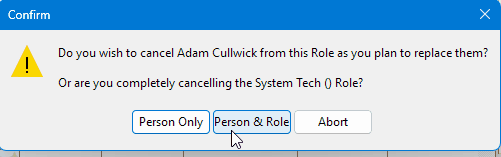
In this example I have decided to cancel one of Andy's has decided he can't make it. I right click on the shift and select delete – it warns me this is ordered so It prompts me to set it to cancelled instead.
The screen shows the hashed background to indicate it is cancelled and the thumbs up has been changed to a red thumbs down to indicate that that orders have been raised and they now need to be credited.
To do this, click on Reconcile Crew (which should now be in red to indicate that something needs doing), click on Andy's tab, select the row that needs crediting.

And in this case I’m going to raise a PO for the difference – although it generally is easier to recreate the PO instead.
Click on the line and select ‘Raise PO for difference and it will bring up the purchase order wizard.

Make sure you have un selected ‘Hide cancelled shifts’ otherwise it will not show the cancelled shifts.
Alternatively, I could have appended the cancellation to the existing PO which would have shown
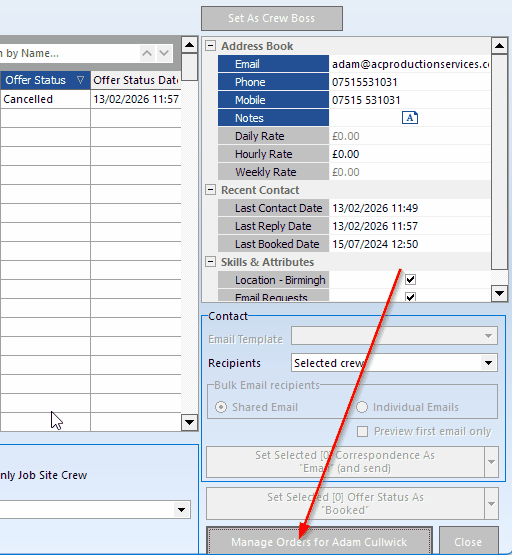
Showing both the original order and the cancellation
For more on Cancelling please see THIS topic