|
Putting Barcoded Equipment to Repair |
  
|
|
Putting Barcoded Equipment to Repair |
|
Select the barcodes  button and type in the barcode in the search box
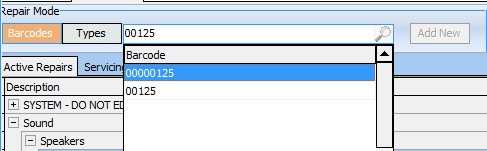
If the item is already in for repair it will take you to the record - if it is not it will prompt you to create a new entry
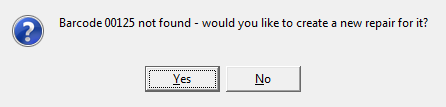
| • | Enter the completed by date with the estimated time the repair will be completed. You will notice that the last job and equipment list that the item was used on will be shown on the header. |
| • | Select the reason for the repair in the status box |
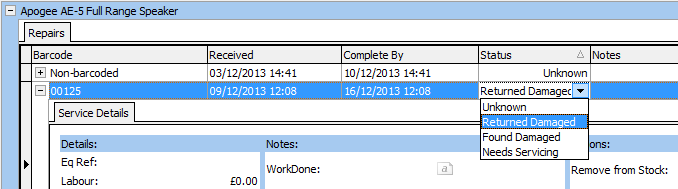
| • | You will notice that the last equipment list that the item was used on will be shown on the header. |

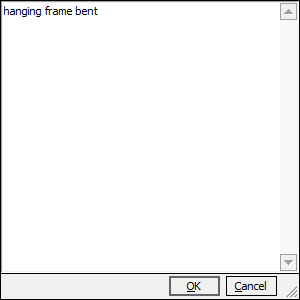
| • | Enter any details of the work required /done in the service record that is displayed. |