|
Creating a new Project |
  
|
|
Creating a new Project |
|
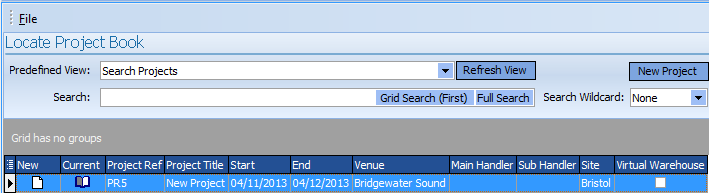
To create a new Project, open the Sales Rep tab, Project book and use the New Project button.
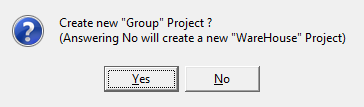
A dialog will appear asking if you wish to open a group project ( A project which groups together several jobs using stock from the Warehouse selected for the Jobs that comprise the Project ) or a Warehouse Project which additionally creates a Virtual Warehouse to manage stock independently for the Project.
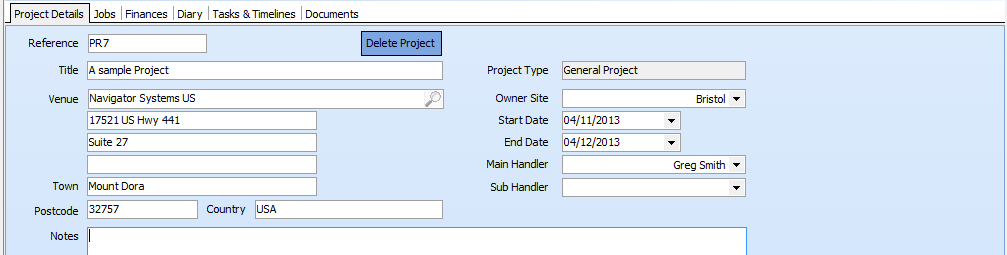
The details page should then be completed with any required information.